 RedactPDFKit
PDF REDACTION
Redact multiple PDF files with the same rules
One supplier list. Several documents. A separate result for each file.
Group files that need the same information removed. Save the names and detection settings as a rule template, then select several files in the upload screen. Each file keeps its own progress and result.
Google-linked accounts can claim 10 trial pages once. No card required. Pro: US$15/month for 600 pages. Pro Plus: US$45/month for 5,000 pages.
What to remove
- A common supplier or customer list
- Repeated email addresses and phone numbers
- The selected information categories across a batch
What to check
- Files that need a different set of rules
- Failed pages and files still processing
- Output format and mask color before creating a ZIP
From upload to download
Prepare the list
Add one keyword or phrase per line. Save the settings as a named template if you will use them again.
Process the files
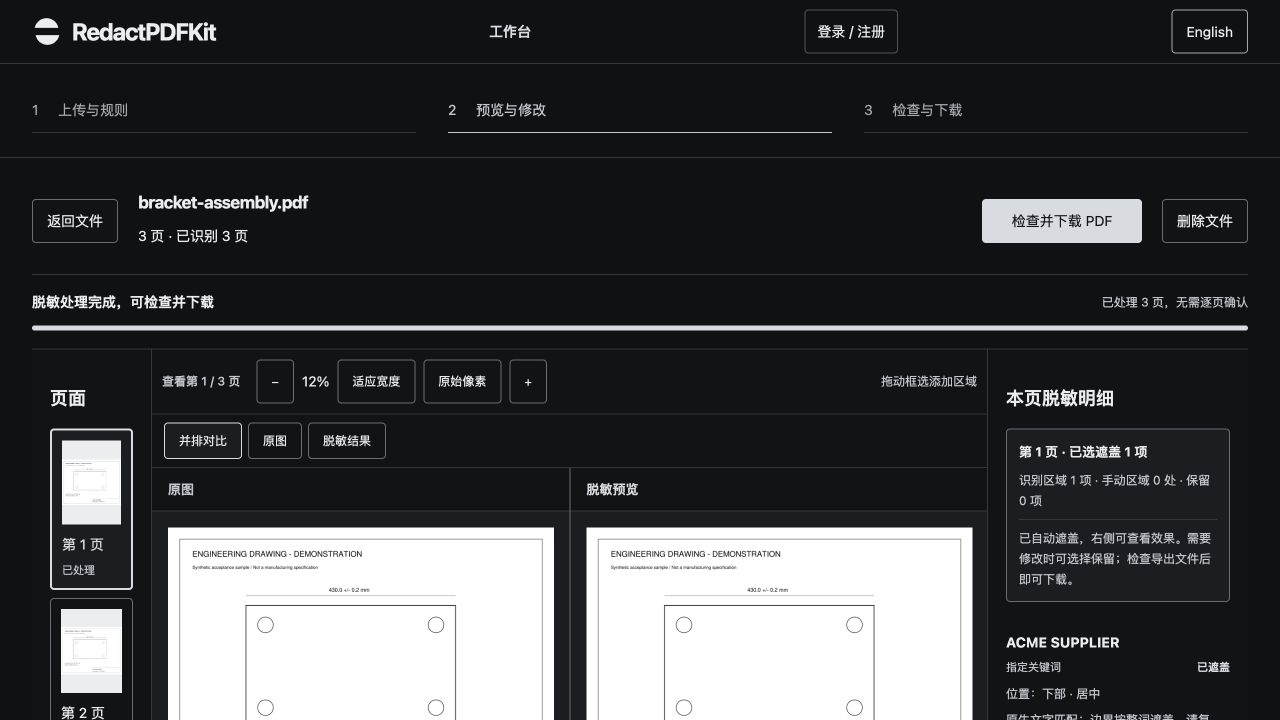
Select several supported files. Follow each task in the workspace and retry failed pages without reprocessing successful ones.
Check and package
Check the outputs with the same color and format. Select eligible files and download a ZIP, or download them separately.
Before you send the result
Batch processing shares rules, not page layouts. A multi-page PDF counts by page. Each file must pass the export check for the selected output settings before it can enter a batch download.
Task images and results stay saved until you delete the task. There is no automatic expiry. Optional identity and logo analysis uses external services. Read the processing and privacy policy.
Questions before you start
Is usage based on files or pages?
Successfully processed pages use the allowance. A 20-page PDF uses 20 pages. Failed pages release their reserved allowance; downloading the same result again does not use more pages.
Can I retry one failed page?
Yes. Successful pages remain saved. Use the failed-page retry action or handle the page manually when recognition remains unavailable.